Address search
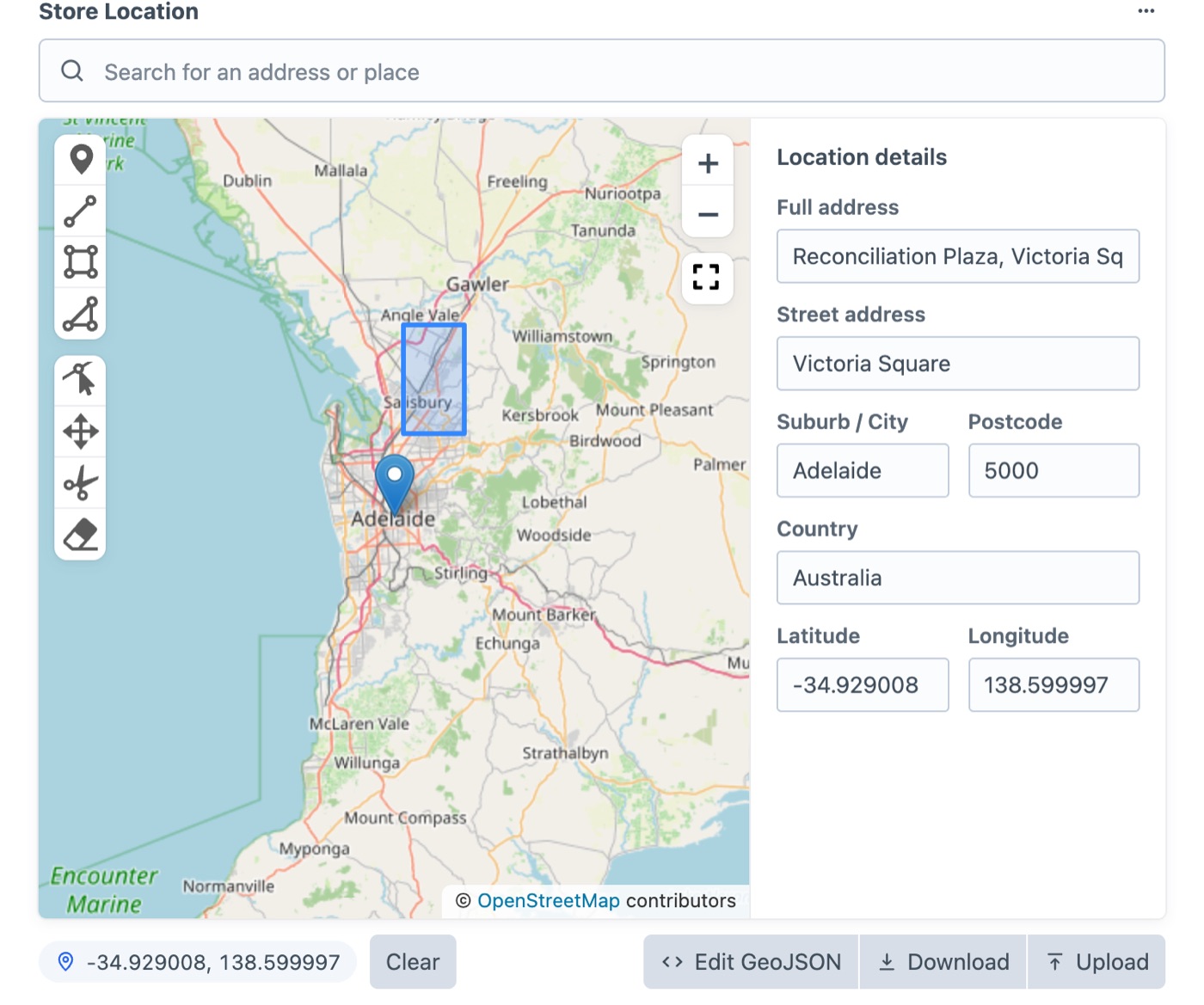
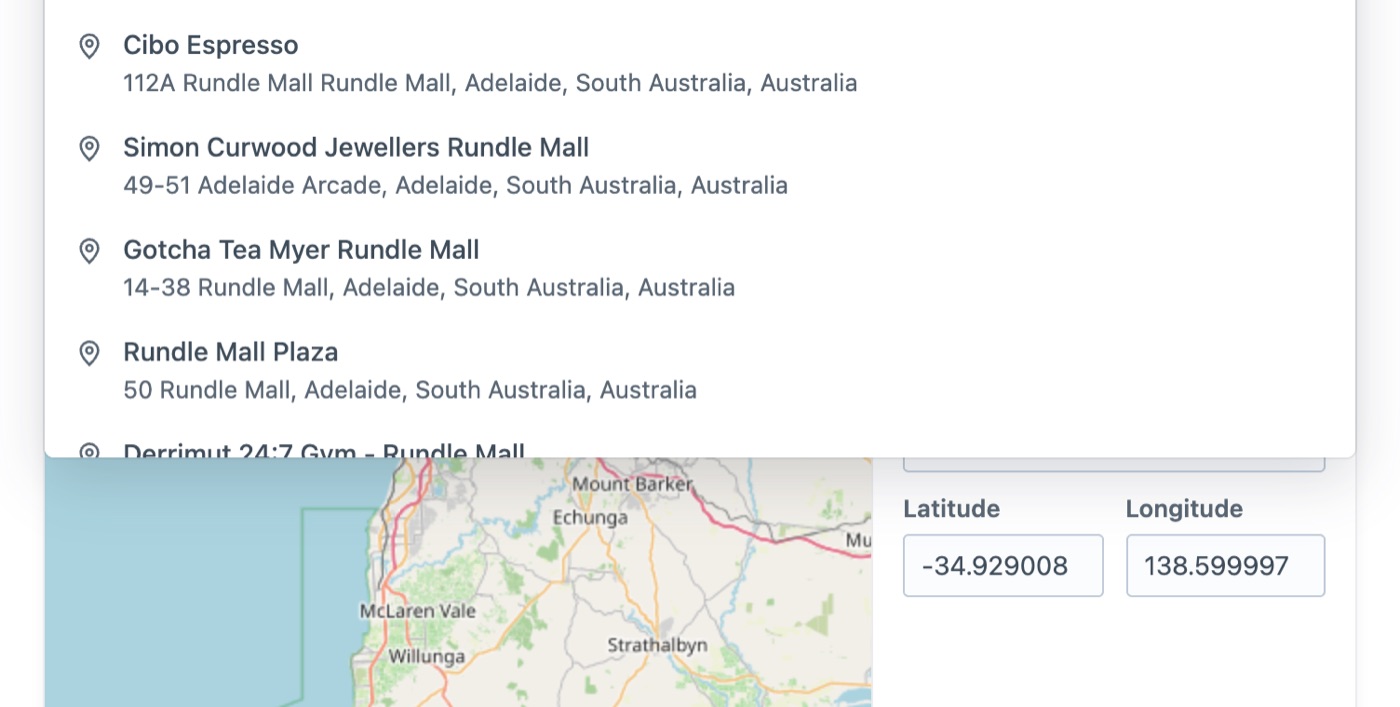
Type a street or a business. Street, suburb, postcode and coordinates fill in by themselves.
Pin addresses, draw zones and find the nearest entries, on free OpenStreetMap maps. Click anywhere on the map below to try it.
Dropped pin
-34.9213, 138.6305
Nearest stores
{% set zone = craft.entries.section('binZones')
  .zoneArea({ contains: { lat: -34.9213, lng: 138.6305 } })
.one() %}{# Change the radius or the unit #}
{% set stores = craft.entries()
.section('stores')
.storeLocation({
location: 'Adelaide CBD',
radius: ,
unit: ,
})
.all() %}4 stores within 25 km · nearest first
Type a street or a business. Street, suburb, postcode and coordinates fill in by themselves.
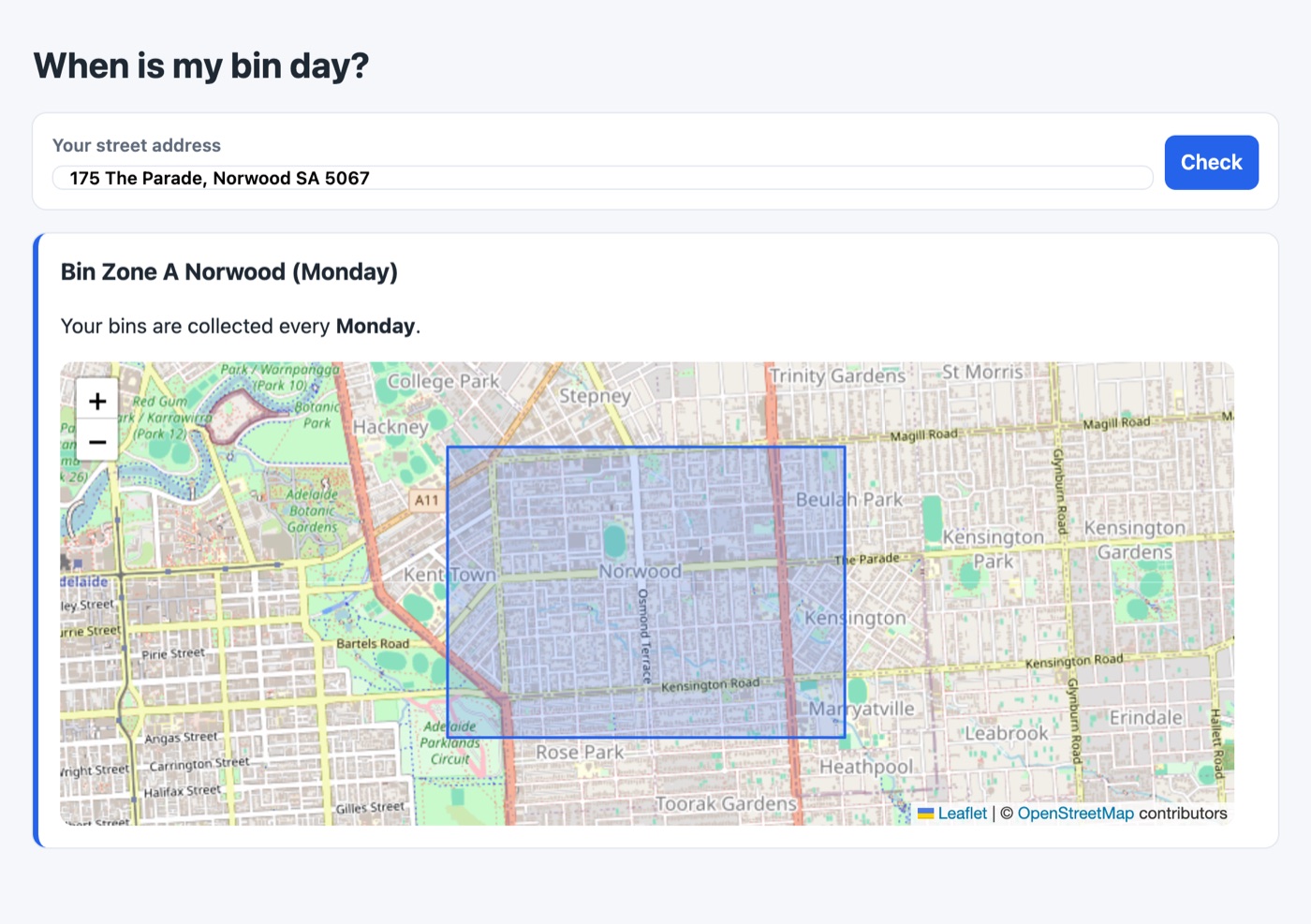
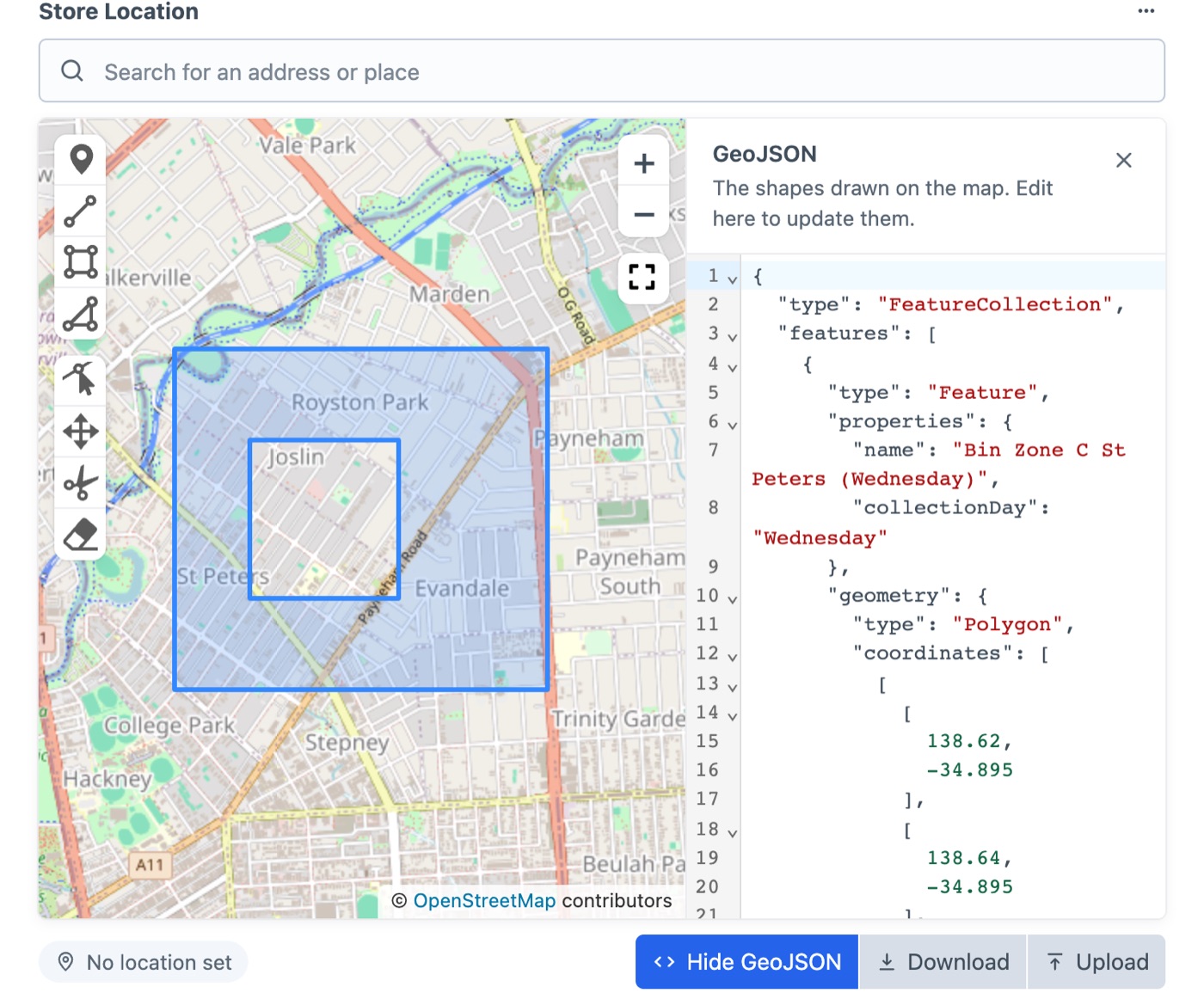
Draw areas with holes, give them properties and edit everything as GeoJSON beside the map.
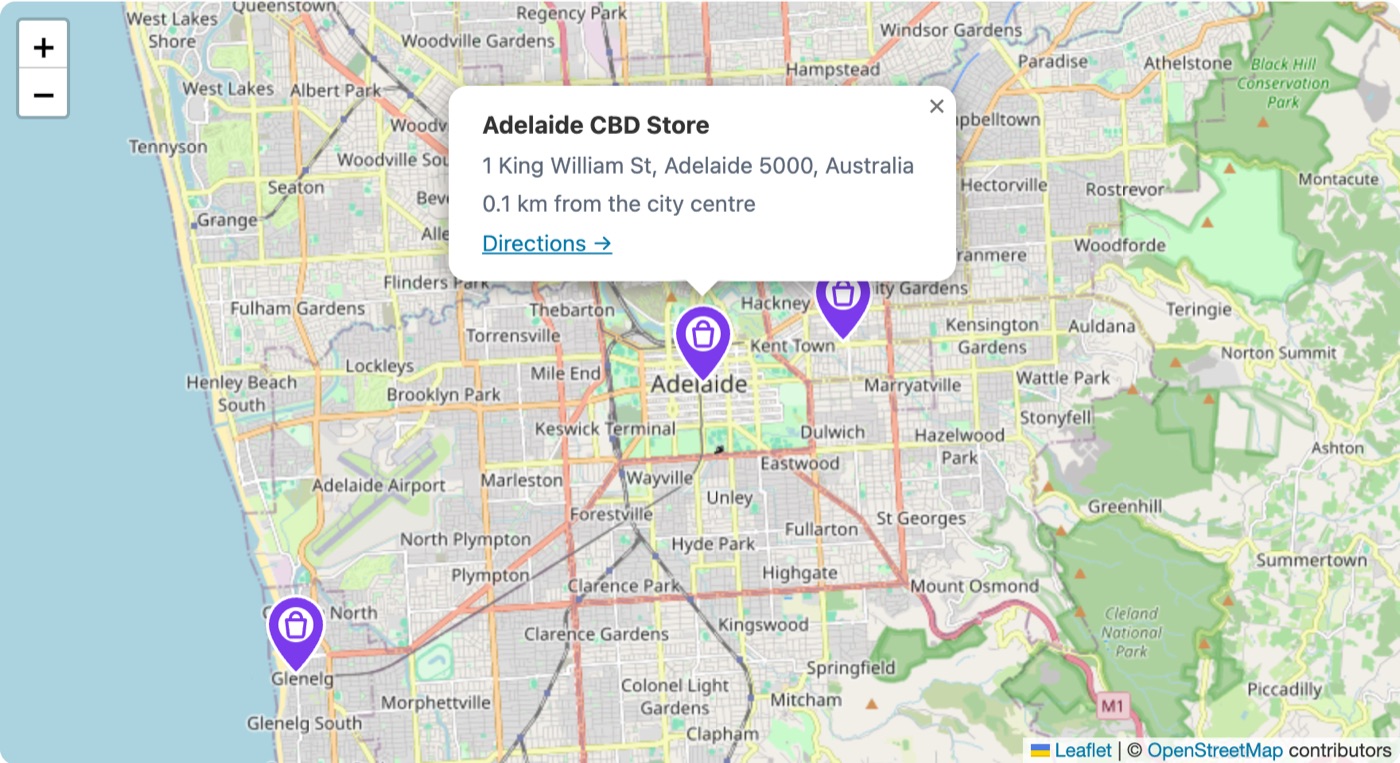
Front-end maps take your pin image and any HTML for the card that opens on click.
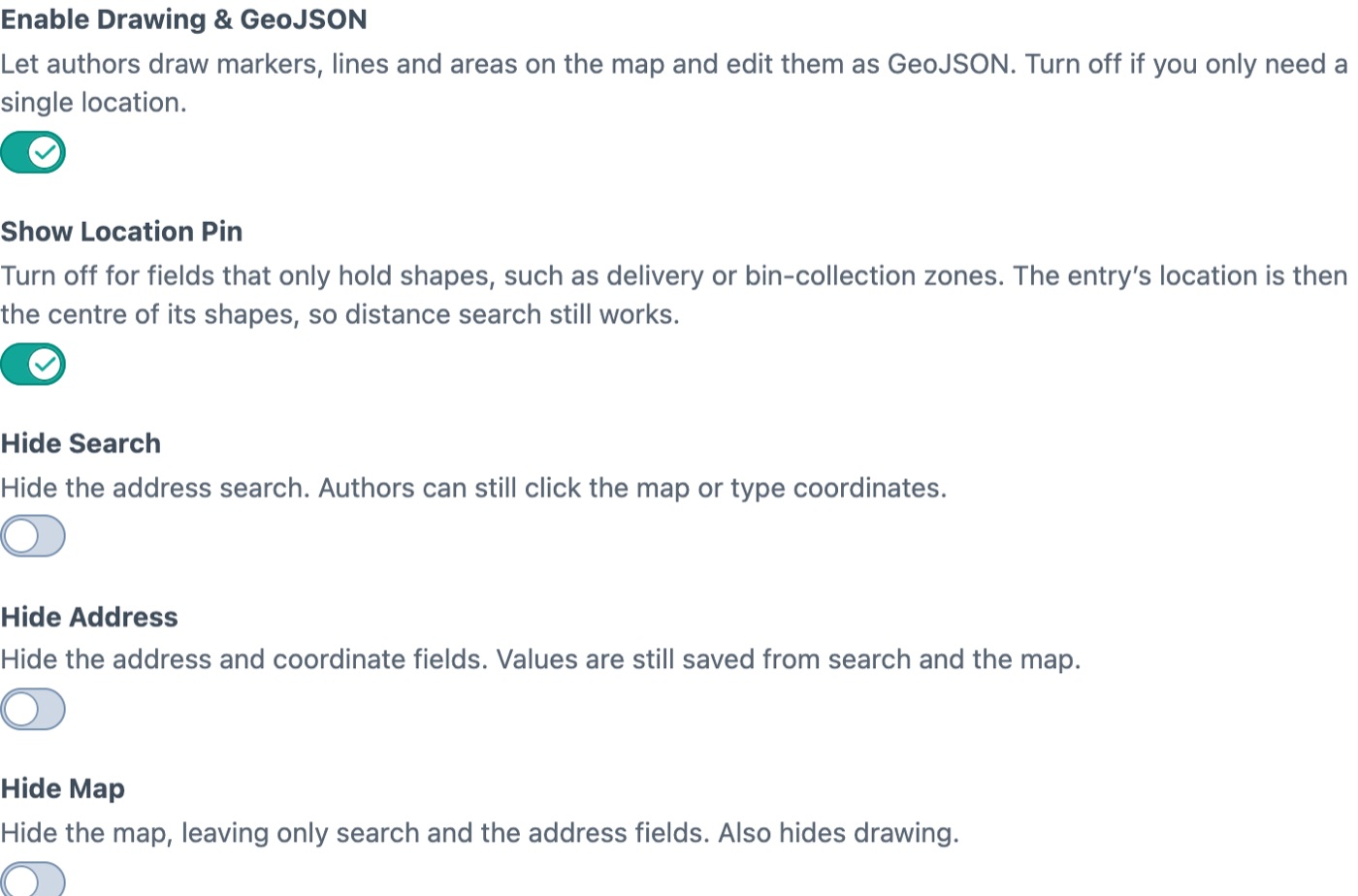
Hide the pin for zone fields, turn drawing off, limit search to five countries.
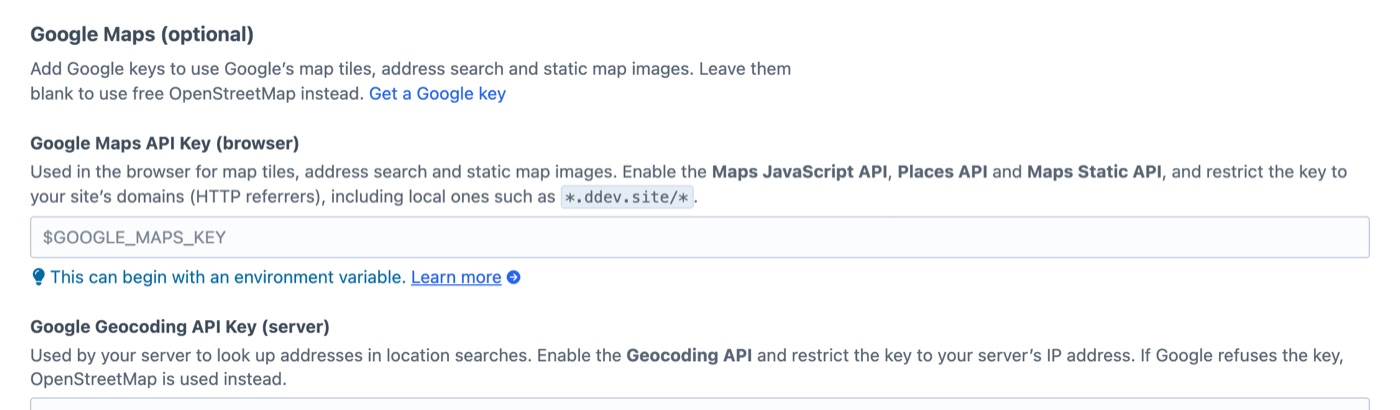
OpenStreetMap from the moment you install. Add Google keys only if you want Google.
Read locations, search by distance and find zones from a headless front end.
{
  entries(section: "stores",
    storeLocation: { location: "Glenelg", radius: 10 }) {
    title
    ... on store_Entry {
      storeLocation { full_address distance }
    }
  }
}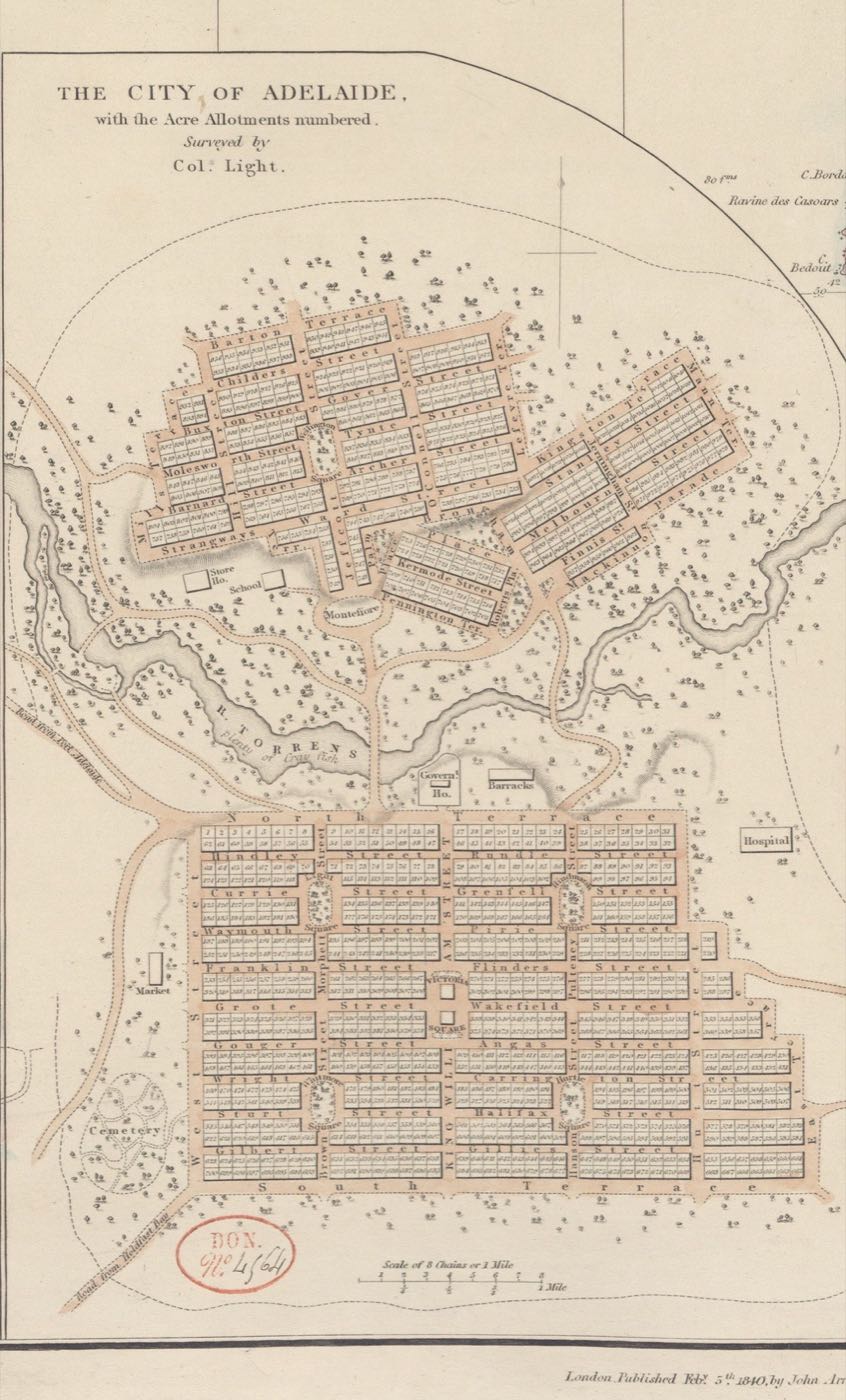
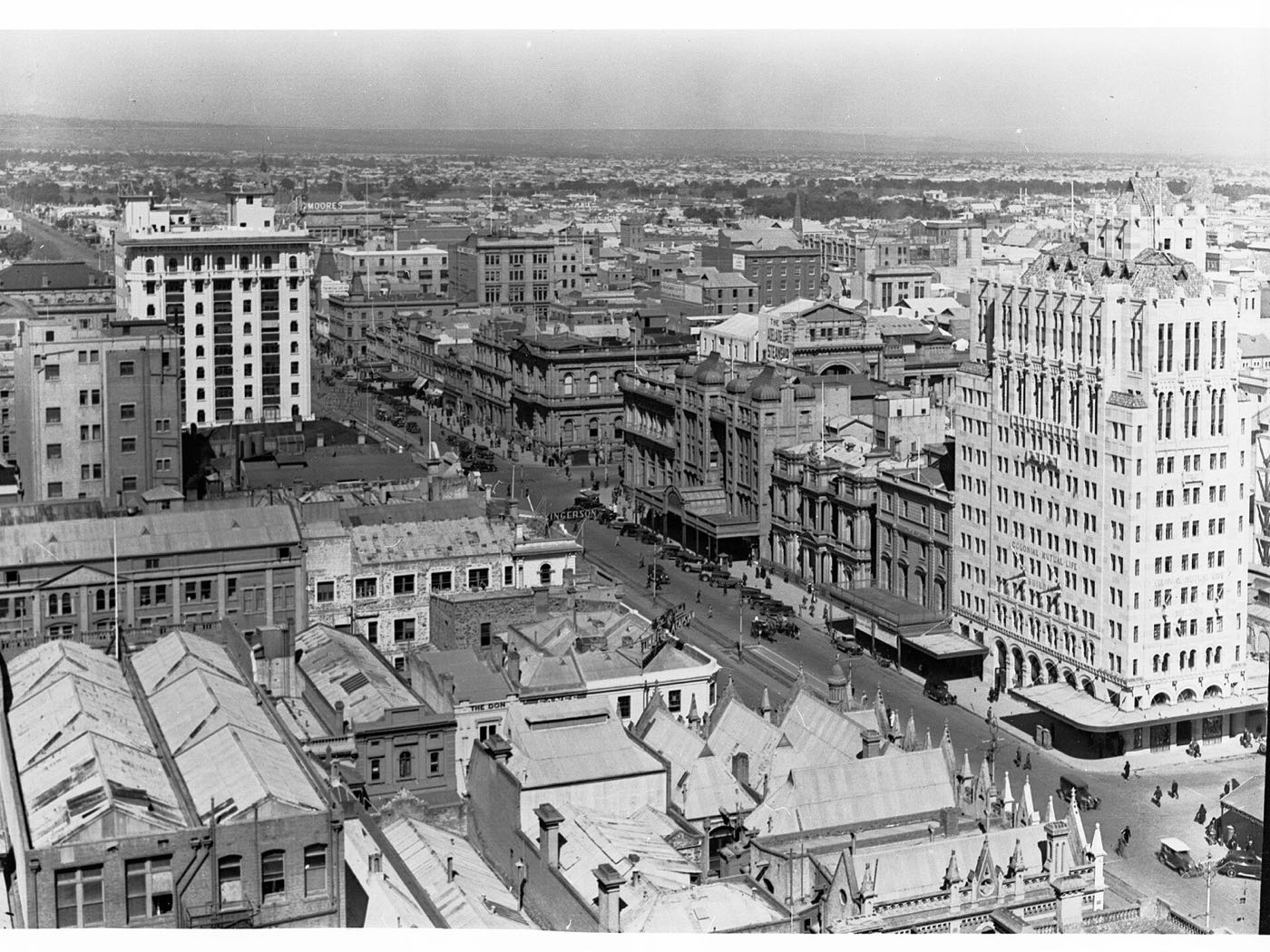
Colonel Light laid out Adelaide’s grid in 1837. The stores, zones and addresses in these docs sit on the same streets, from 1 King William Street to The Parade in Norwood, so every example can be tried with real places.
First, install it.
composer require suprim/geomaps
php craft plugin/install geomapsThen add the field.
Settings → Fields → New field, type Geo Maps. Authors search an address, drop the pin or draw areas.
Then show it.
{{ entry.storeLocation.embed({ height: 400 }) }}composer require suprim/geomaps